Make a coupon code
Promotions and coupons · Updated 23 November 2026 · 2 min read
A code shoppers type in the cart: percent off, an amount off, or free delivery.
A coupon does nothing until a shopper types its code in the cart. You share codes yourself, on Facebook, by SMS or on a banner. The store never lists them.
Create a coupon
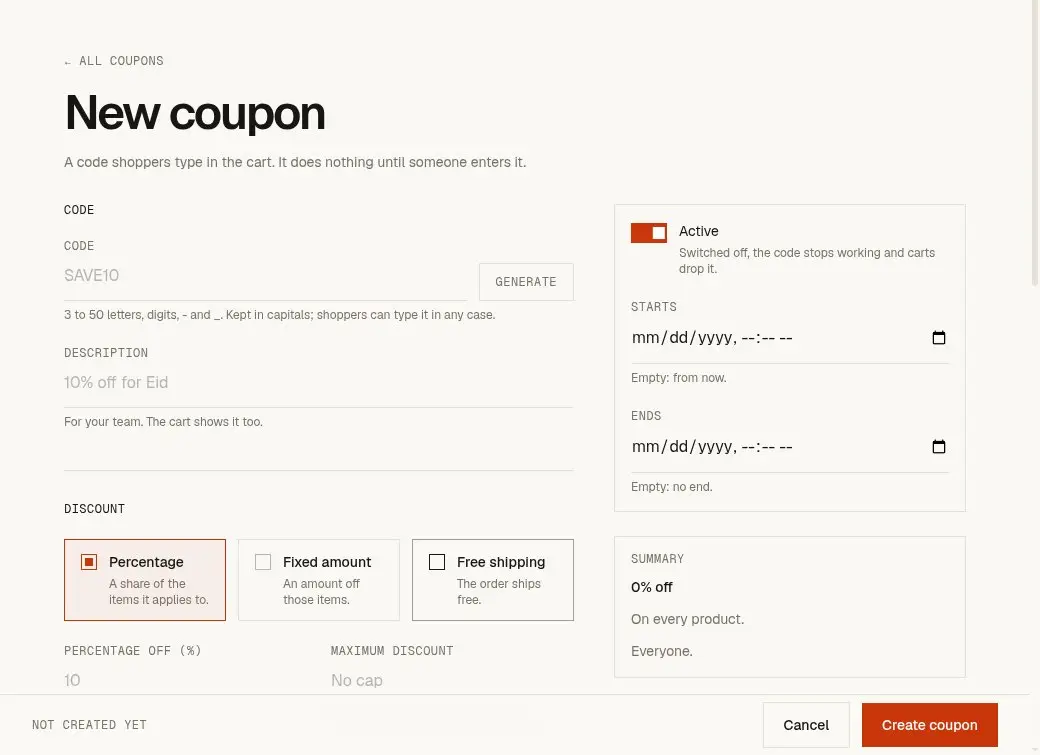
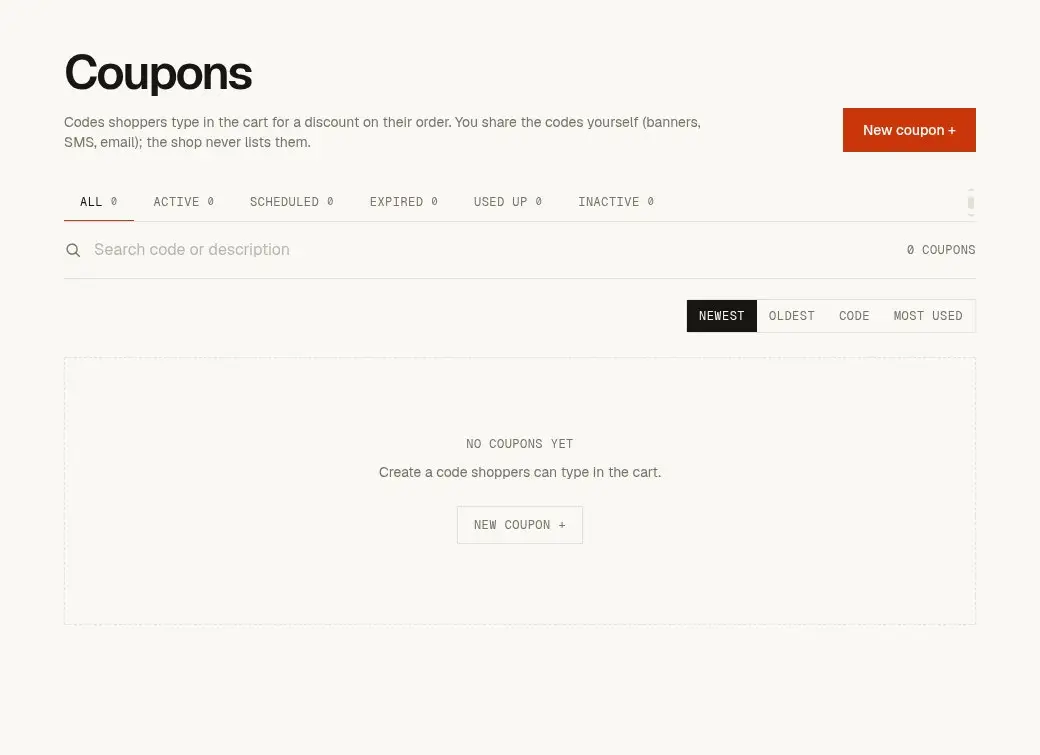
Go to Coupons and select New coupon +.
Type a Code like EID10, or select Generate. Shoppers can type it in any case.
Choose the Discount: Percentage, Fixed amount or Free shipping. For a percentage, you can set a Maximum discount.
- Applies to: everything, some categories, or some products. Tick Don't apply to items already on sale to avoid double discounts.
Set conditions and limits (below), check the Summary on the right, then select Create coupon.
Conditions and limits
| Setting | Use it for |
|---|---|
| Minimum order value | Only when the items come to this much. The cart shows how much more to add. |
| Customers | Only these customers, signed in to their account (for VIPs) |
| Total uses | The first 100 orders only |
| Uses per customer | Once per person. Guests are counted by phone. |
| First order only | A welcome offer for new buyers |
| Starts / Ends | A code for a limited time |
Open a coupon later to see every order that used it. Switch off Active to stop a code at once. Carts that had it drop it.
Cancelled orders
Limits count placed orders. A cancelled order gives its use back.