Write a blog post
Pages, menus and blog · Updated 23 November 2026 · 1 min read
Style guides, news and tips that bring visitors from Google.
A blog helps people find you on Google ("how to choose a saree for a wedding") and gives you something to share on social media.
Write and publish
Go to Pages › Blog posts and select New post +.
Type the title and create the post.
Write the post with text, images and other blocks. Add an Excerpt (shown on the blog list), a Cover image and a Category.
Select Publish now, or set Schedule to publish later. A scheduled post goes live by itself about a minute after that time.
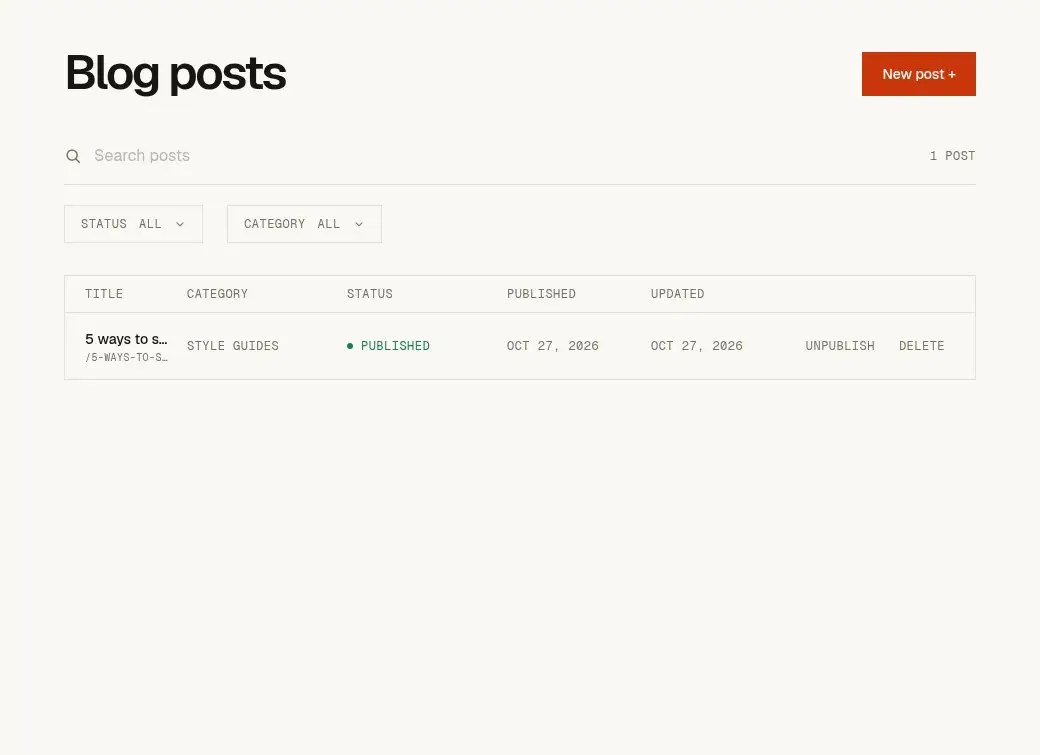
Categories and the blog page
- Pages › Blog categories: group posts, like "Style guides" and "News".
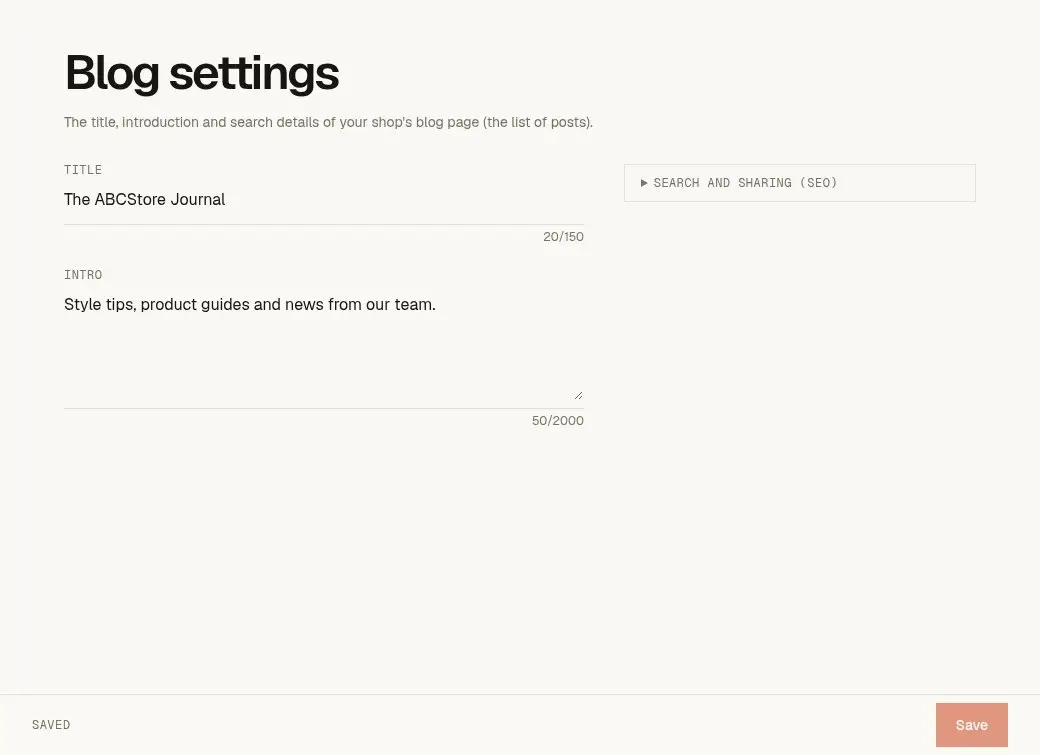
- Pages › Blog settings: the blog page's title, intro and search details.
Tip: Link to your products inside posts, and add the blog to your menu so visitors can find it.