Refund an order
Payments · Updated 23 November 2026 · 2 min read
Give a buyer their money back, in full or in part.
A refund in LaCommerce is a record of money you gave back. Nothing is sent automatically. You send the money first (by cash, bKash, Nagad, bank or in the gateway's panel), then record it on the order so your totals and reports stay right.
Record a refund
For an online payment, refund it in the gateway's merchant panel first (bKash, Nagad or SSLCommerz). For cash, send the money back yourself.
Open the order in Orders and select Record refund in Payments.
Type the Amount. Less than the total is fine, for example when you keep the delivery fee.
Choose How it went back: Cash, bKash, Nagad, Rocket, Bank transfer, Through the gateway, or Other. Add a Reference like the transaction ID.
Select Refunded. The order's payment status becomes Refunded or Partly refunded.
Refund due
When a paid order is cancelled or returned, the order shows Refund due with the amount you still hold, and the dashboard counts it under Refunds owed.
Recorded a payment by mistake?
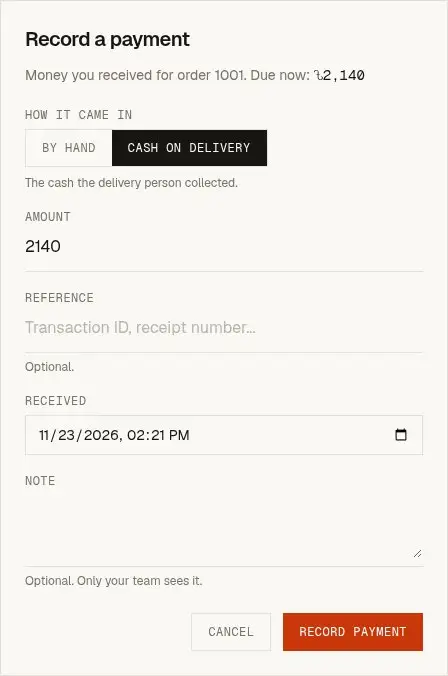
If money was recorded but never actually came in (for example, a cash on delivery order marked delivered, and then the parcel was refused), don't record a refund. Select Undo on that payment instead.
Common questions
Do refunded items go back into stock?
Not by the refund itself. When you mark an order returned, you're asked whether to put the items back in stock. For an exchange or a partial return, use Adjust stock with the reason Returned.