Print an invoice
Point of sale · Updated 23 November 2026 · 1 min read
Print or share an invoice for a POS sale or any order.
Right after a POS sale
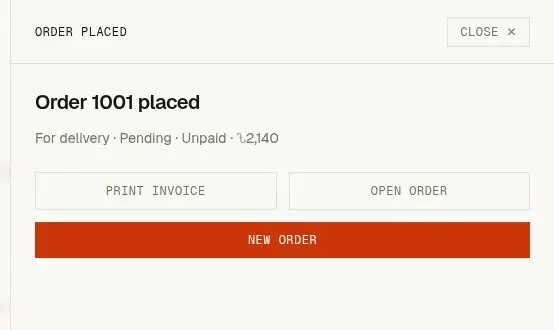
After Place order, the Order placed panel opens.
Select Print invoice. A PDF opens that you can print or share.
Select New order to serve the next customer.
For any order, later
Open the order in Orders.
Select Download invoice. The PDF is saved as invoice-.pdf.
The invoice shows your shop's name, logo and contact details from Settings › Basic, the items, discounts, delivery charge, total, and the customer's note.
Tip: To send the invoice by Messenger or WhatsApp, download the PDF and attach it in the chat.