See who changed what
Account and team · Updated 23 November 2026 · 1 min read
The store's history: every change, who made it and when.
Settings › History lists what happened in your store, newest first: orders confirmed, settings changed, pages published, team members added, plan renewed, and more, with who did it and when.
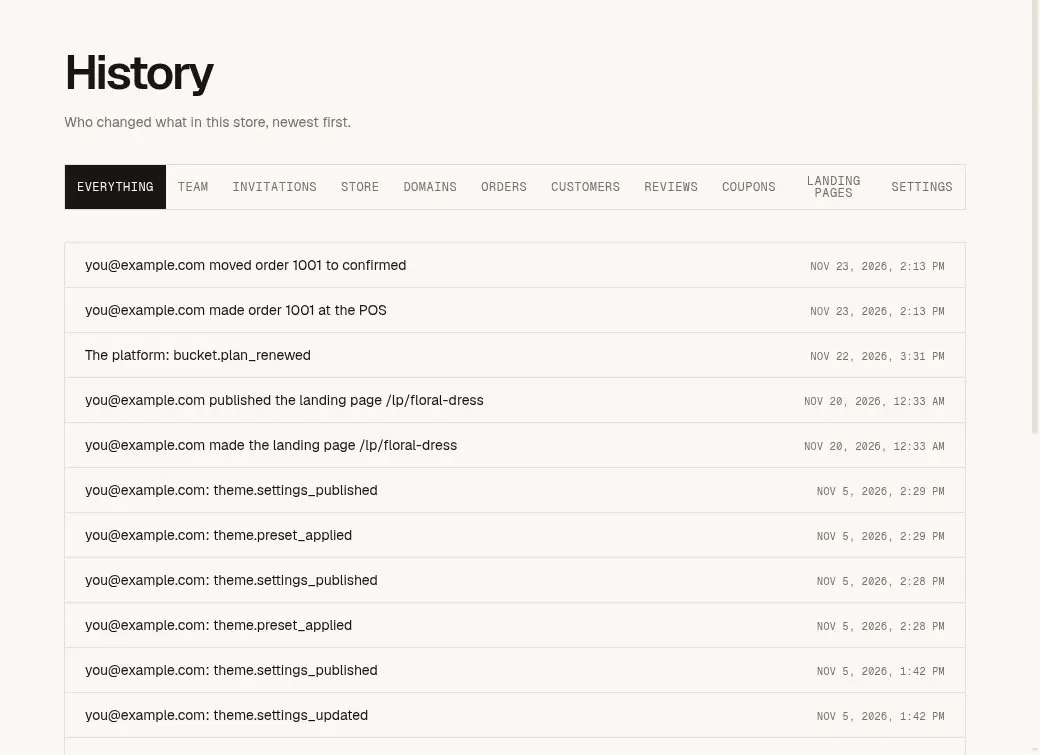
Use the tabs to show one area: Team, Invitations, Store, Domains, Orders, Customers, Reviews, Coupons, Landing pages or Settings.
Tip: For one order, its Timeline shows the same detail. For stock, use a variant's History in Inventory.