Run several stores
Account and team · Updated 23 November 2026 · 1 min read
More than one store on one account, each with its own plan.
One account can own up to 3 stores, and can also be a team member in other people's stores. Each store has its own products, orders, settings, team and plan. Your balance is shared and pays for all of them.
Open another store
Select the store name at the top left of the dashboard.
Select + New store and follow the three steps: plan, name, theme.
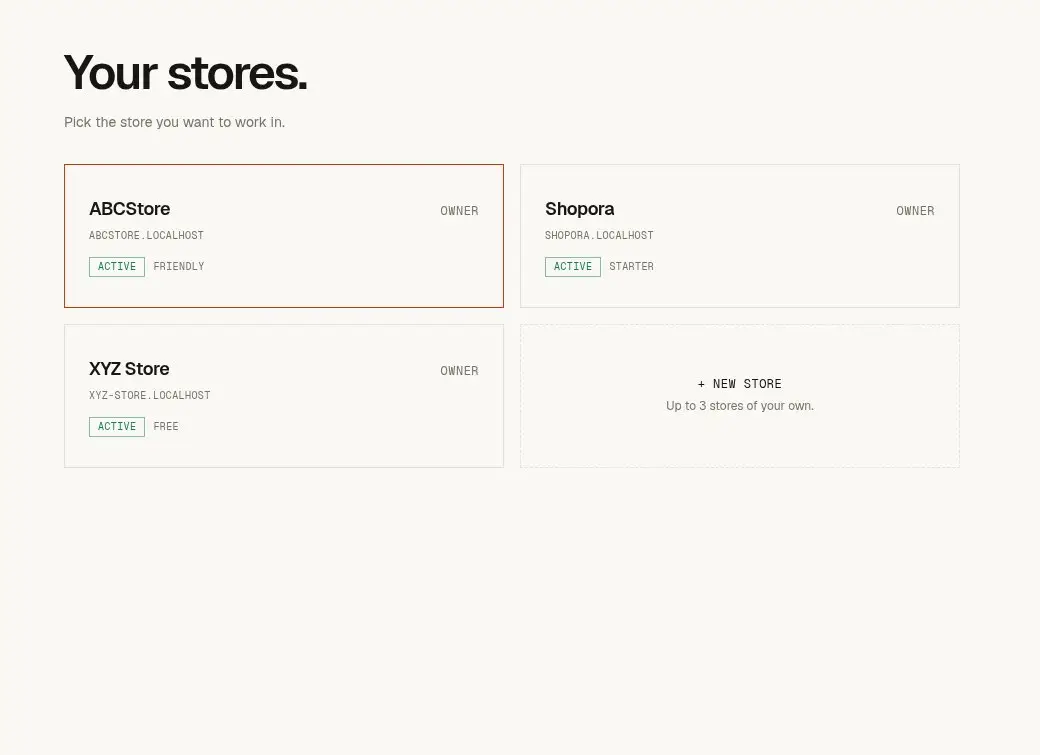
Switch between stores
Select the store name at the top left of the dashboard and pick another store, or select All stores to see them all. Everything you see then belongs to the store you picked.
Notifications
Notification settings are yours and apply to all your stores. Each notification says which store it's about.